Why apexium‑log?
Everything you need to master Salesforce debugging, all in one place.
Centralized Debugging
Centralized Debugging
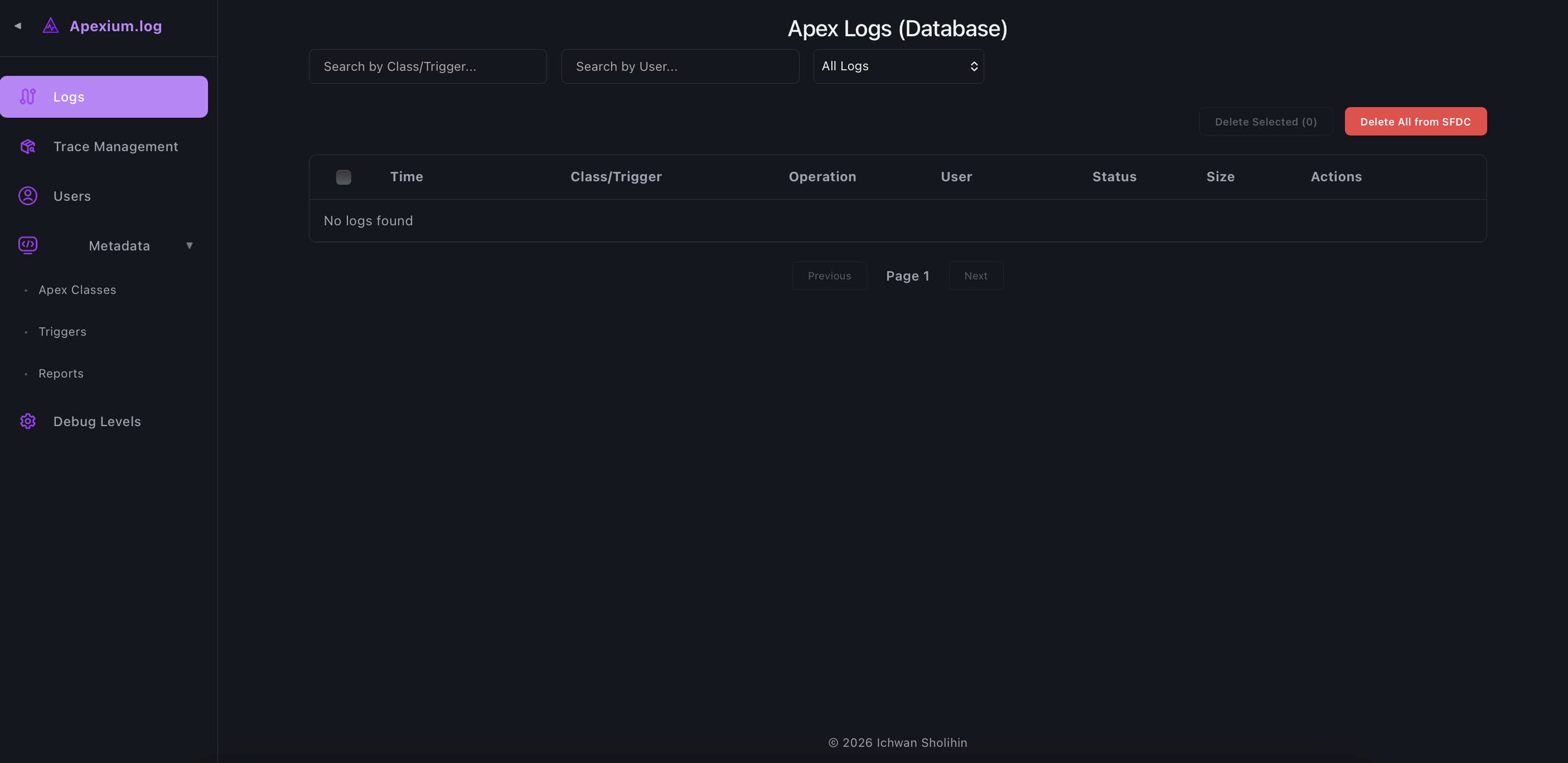
Manage, search, download, and delete Salesforce Debug Logs from a single interface, making debugging more efficient.
Extended Recurring Trace Flags
Extended Recurring Trace Flags
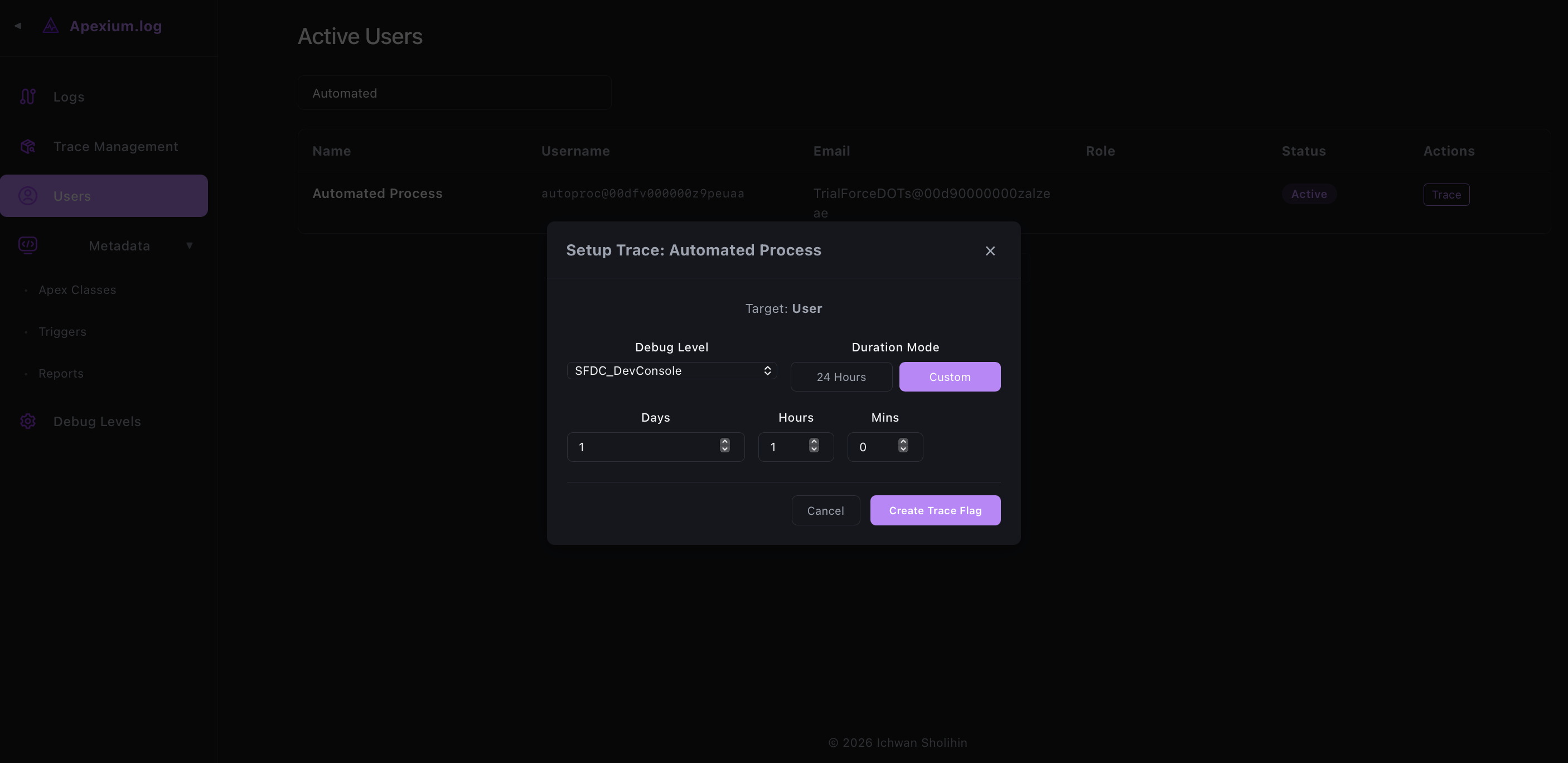
Automatically extend user trace sessions beyond Salesforce's 24-hour Trace Flag limitation.
Report-SOQL Conversion
Report-SOQL Conversion
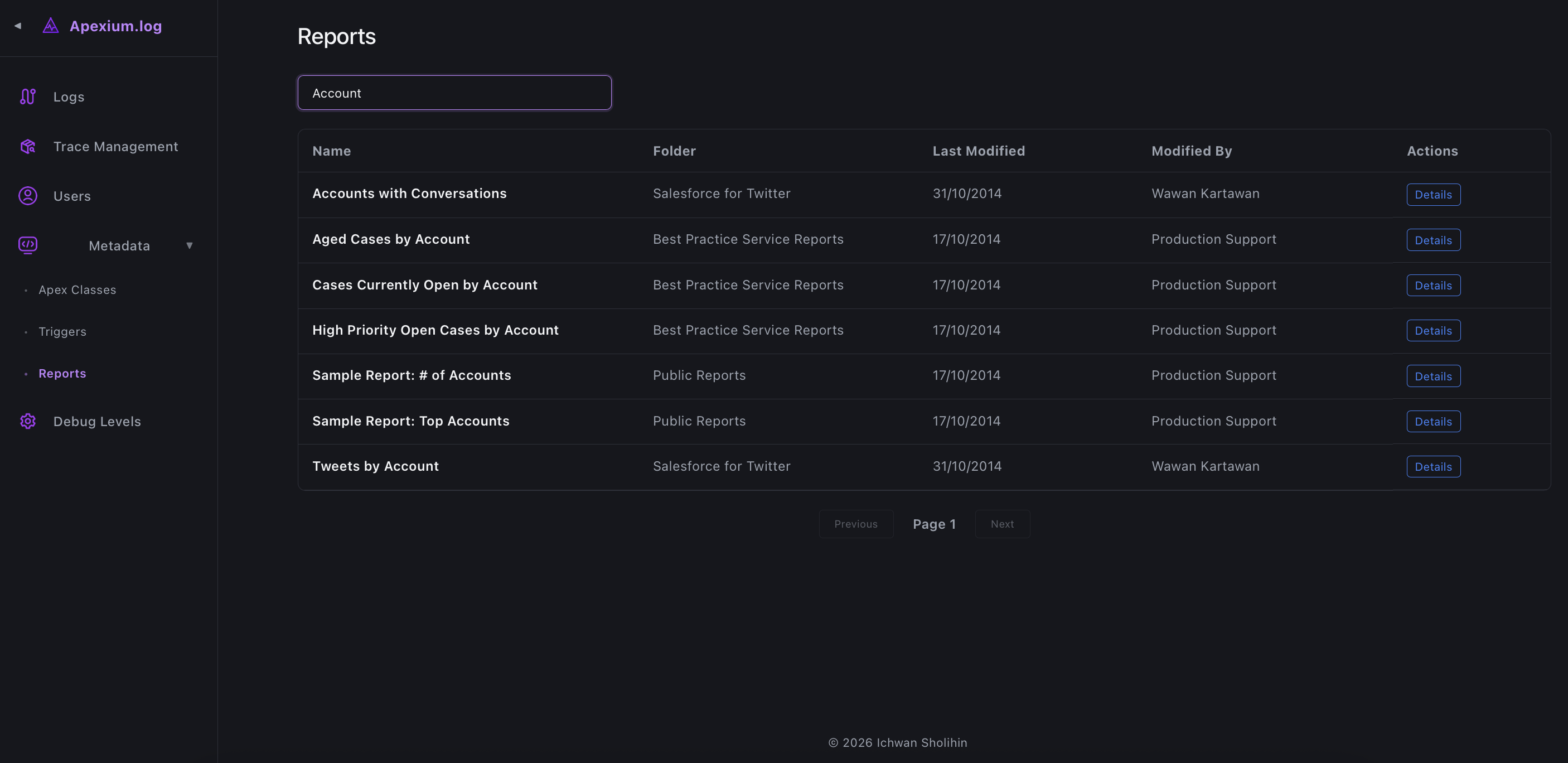
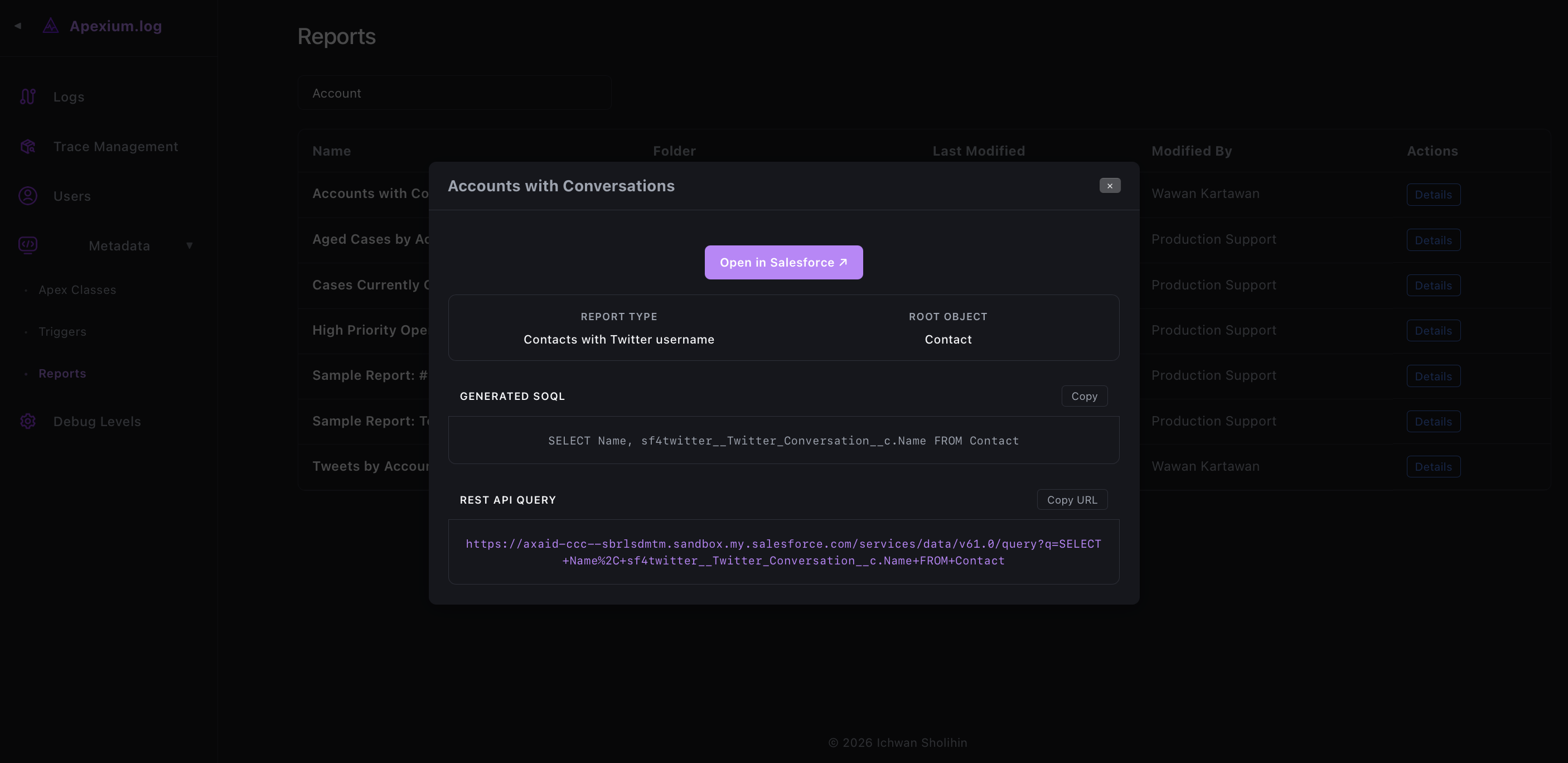
Translate a Salesforce Report's filters and columns into an equivalent SOQL query automatically, useful for reproducing report logic in code or debugging data discrepancies.
Metadata Tracking
Metadata Tracking
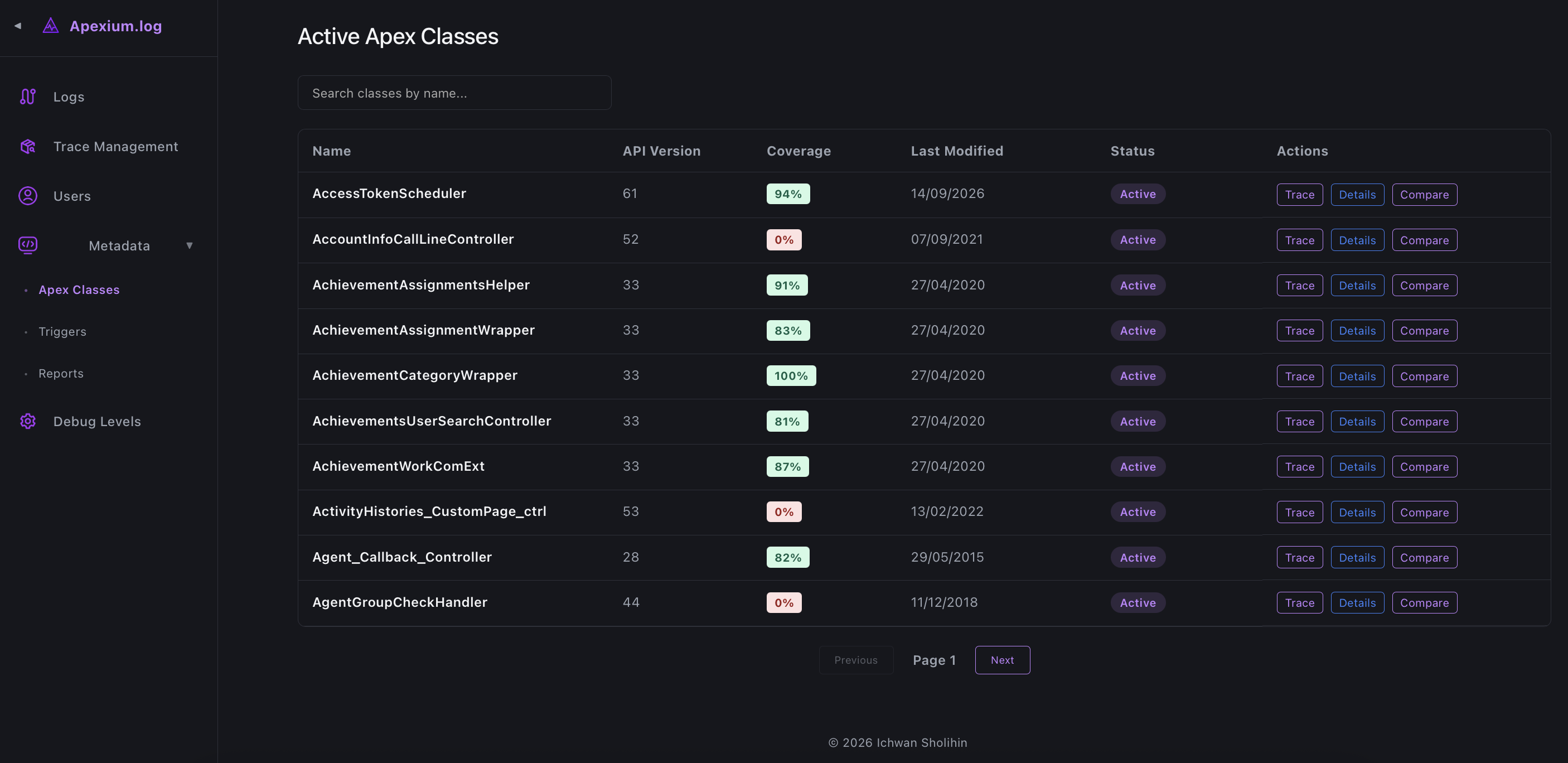
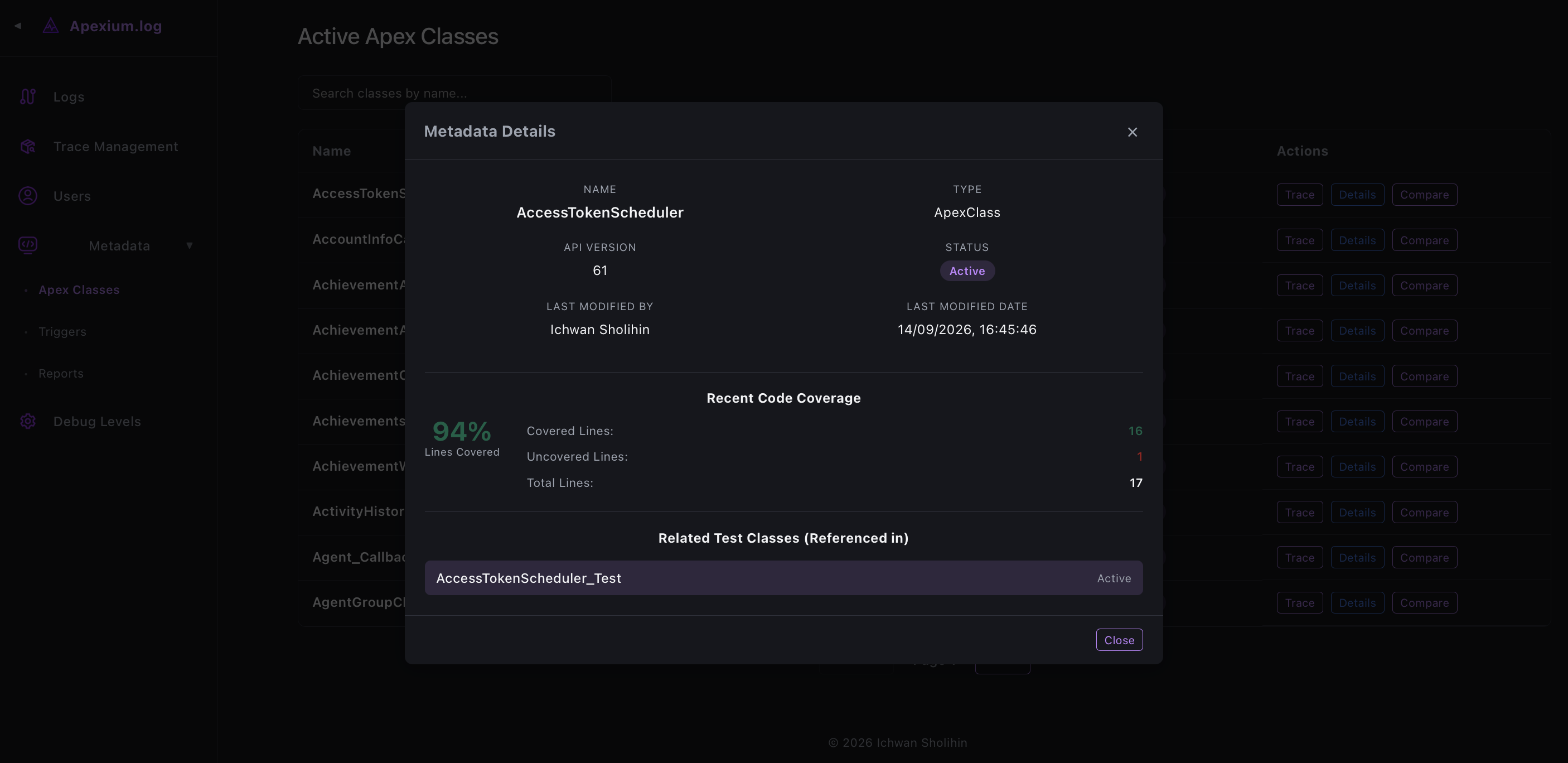
Detect changes in Apex Classes and Triggers through scheduled polling, with a timeline view and body diff comparison via MinIO-stored snapshots. History records include who made the change and when.
Trace Job History & Adoption
Trace Job History & Adoption
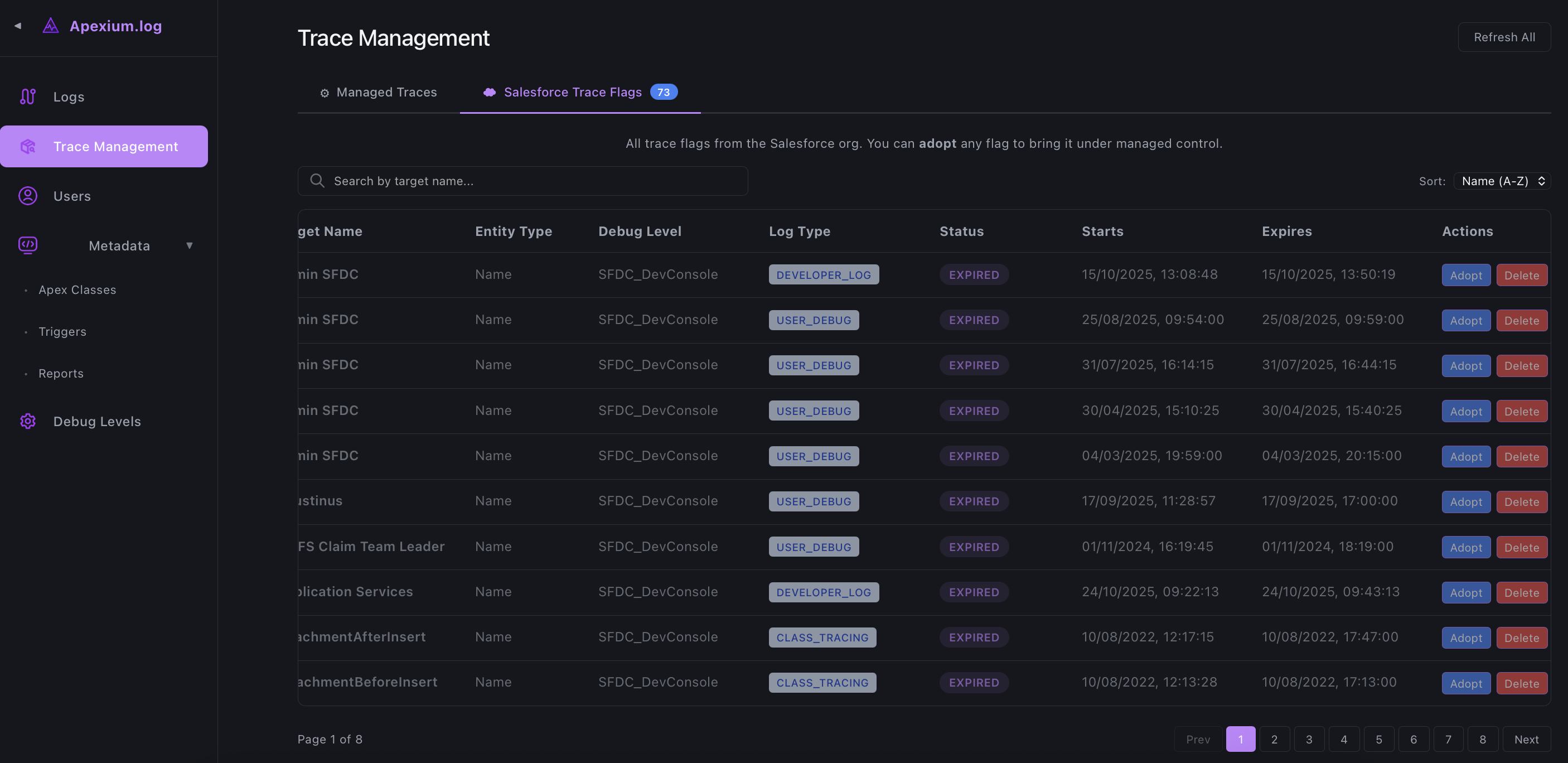
Browse all past and active Trace Jobs, and adopt any existing Salesforce TraceFlag (created manually via Setup) as a managed job.
Built for Salesforce Developers
Built for Salesforce Developers
Who need an all-in-one solution for debugging, monitoring, and tracking Apex code changes.
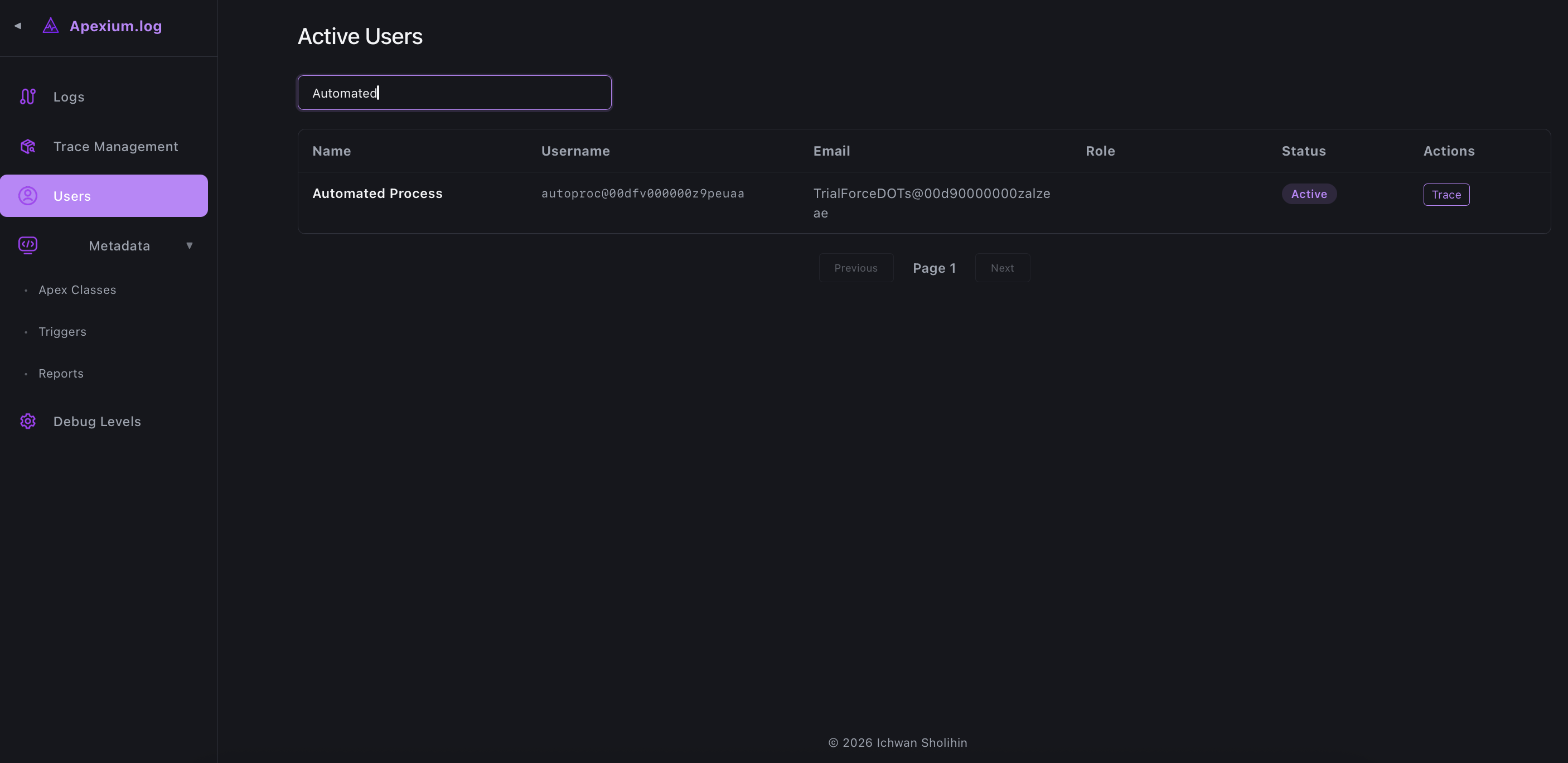
Inside apexium‑log
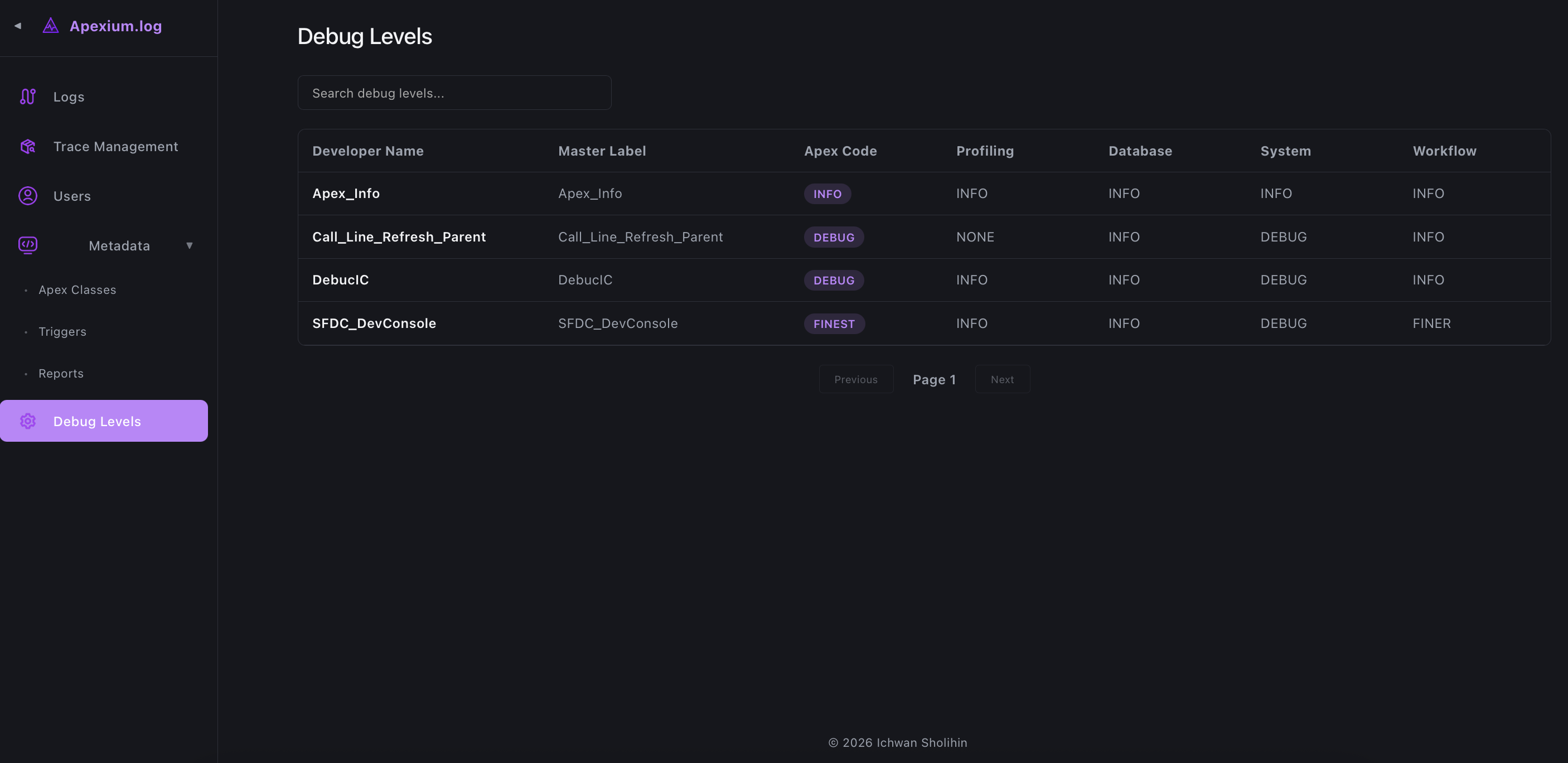
A quick tour of the interfaces of Apexium-log.
Ready to get started?
Install apexium‑log locally or with Docker and start debugging like a pro in minutes.
Get Started